
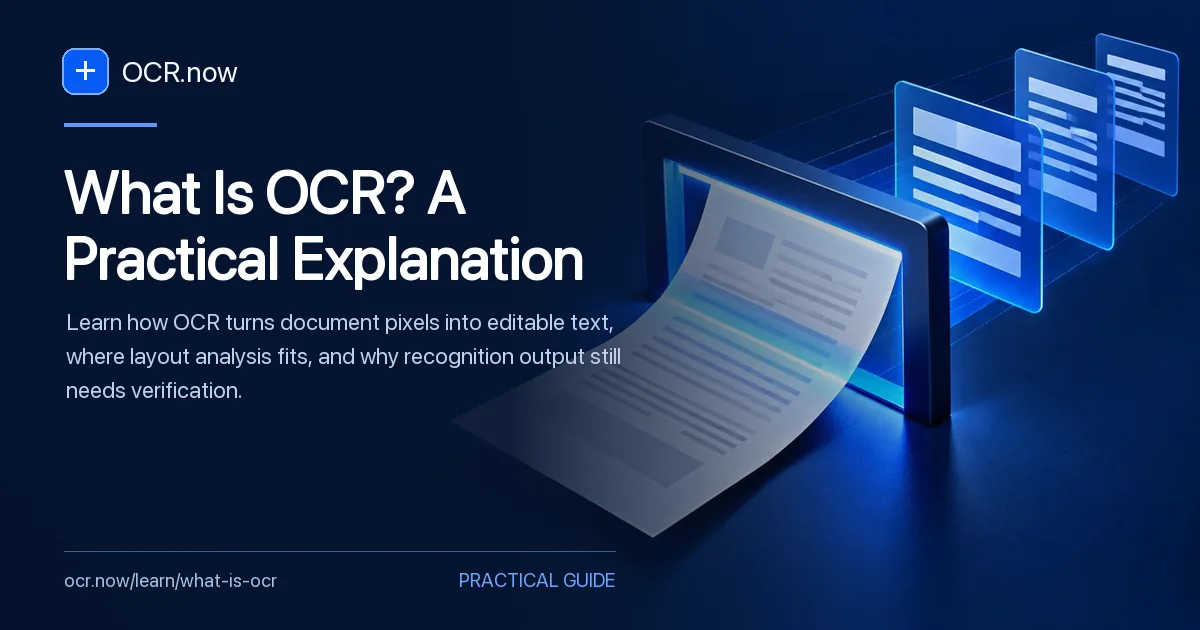
OCR is a pipeline, not a single text-reading step
OCR detects regions, proposes characters, and reconstructs a reading sequence. It does not understand a document the way its author or reader does.
After reading, you should be able to identify where OCR ends, where layout reconstruction begins, and why the source still matters when recognized text looks fluent.
See the recognition process with Image to Text. Continue with OCR Confidence Scores: What They Can and Cannot Tell You and OCR Output Formats: TXT, JSON, TSV, hOCR, ALTO and PDF.
Use the OCR basics collection to continue from this definition into confidence and output choices.
Follow the document from pixels to proposed text
The useful mental model
Treat OCR as a pipeline: capture, cleanup, region detection, character recognition, reading order, and export. A failure at any stage can produce plausible-looking but incorrect text.
What OCR preserves
Plain-text output preserves characters and approximate line breaks. Position-aware formats can also retain page, block, line, and word coordinates. Searchable PDFs add an invisible text layer behind the source image.
Where human review matters
Check any field that triggers money, identity, access, health, legal, or operational decisions. Overall confidence cannot certify a critical individual value.
Follow one page from pixels to usable text
Consider a scanned two-column newsletter with a photograph, caption, page number, and a date in the header. Recognition begins with pixels, then proposes text regions, characters, words, and a reading sequence. A plain-text export may capture nearly every word while placing the caption between two unrelated sentences or moving the page number into the body.
Review the output in the same order as the pipeline. First confirm that the smallest letters are visible. Next check whether every region was found. Then compare names, digits, and punctuation. Finally, read the exported sequence without looking at the page. This reveals whether the remaining problem is recognition, layout, or the chosen output format.
- Keep the page image as evidence
- Name the output properties the next task requires
- Treat fluent text as a proposal until critical fields are checked
OCR pipeline and failure points
| Stage | Question | Typical failure |
|---|---|---|
| Capture | Are strokes visible? | Blur, glare, clipping |
| Segmentation | Where are text regions? | Columns or labels merge |
| Recognition | Which characters fit? | Plausible substitution |
| Export | How is text ordered? | Correct words in wrong sequence |
Before you rely on recognized text
- Keep the source image
- Identify the required output
- Check page and reading order
- Review consequential fields
- Record corrections and processing settings
Where this model stops
The pipeline explains ordinary OCR, but engines differ in segmentation, language handling, layout recovery, and confidence reporting. Use the documentation for the engine in your actual workflow before treating a stage as available.
Why these references matter
The references define OCR and document-recognition concepts at a standards or institutional level. They support the terminology; they do not certify OCR.now output.