Online OCR privacy and safety guide for document uploads
The safest upload is the one you do not need to make. This collection starts with document classification and minimization, then explains retention, sharing, and high-risk alternatives.
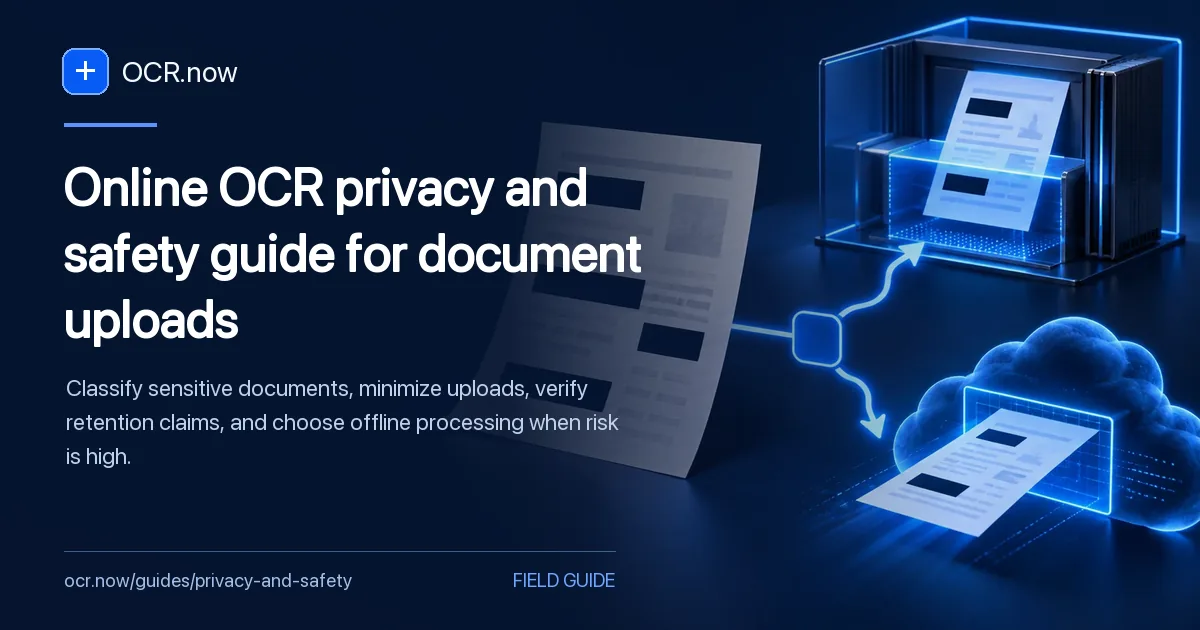
Make the upload decision before choosing a tool
Use this safety collection when
Use this collection before uploading identity, financial, health, legal, employment, education, or confidential business records. It focuses on authorization, data minimization, retention questions, and the point at which an online convenience tool is the wrong processing environment.
A justified processing boundary
You should finish with a clear upload decision, a minimized source when online processing is appropriate, and an offline or approved organizational route when policy, law, contract, or potential harm requires tighter control.
Test this cluster with Image to Text, then begin the detailed review with Online OCR Privacy Checklist Before You Upload.
Before using an online workflow, compare the document's sensitivity with the site's upload and data privacy policy.
Make the upload decision before choosing the OCR tool
Document risk depends on who is named, who controls the file, what fields are exposed, where processing occurs, and what harm could follow a disclosure or incorrect transcript.
| Document signal | What it means | Useful next action |
|---|
| Low-risk public material | The page is already public and contains no hidden personal fields. | Proceed with normal source and accuracy review. |
|---|
| Mixed document | Only one page or region is needed. | Create a minimized derivative and verify excluded pixels are absent. |
|---|
| Confidential or regulated record | Disclosure, retention, or reuse could cause material harm. | Use an approved organizational or offline process. |
|---|
| Authority is unclear | The file belongs to another person or purpose. | Stop until permission and processing purpose are established. |
|---|
Redaction and minimization should happen on a copy, not the only source. Open the derivative again and confirm that covered text, metadata, extra pages, and recoverable layers are no longer present.
Start with the possible harm
Classify the document, minimize what leaves your device, confirm operational terms, and choose offline processing when the consequence of exposure is high.
Contains identity or account data?
Redact what is unnecessary or keep processing offline.
Belongs to another person?
Confirm authority and purpose before upload.
Legal or regulated record?
Use an approved organizational workflow.
Unclear retention terms?
Do not upload until the handling is understood.
Guides for safer OCR decisions
Review authorization, data minimization, accessibility responsibility, and the point where a human or offline process is safer.
Before uploading, decide whether the document belongs in an online service at all. Convenience does not override duties to the people named in the file.
OCR can supply characters, but accessibility also needs semantics and a reliable navigation order.
The fastest first pass is not always the cheapest final workflow. Compare correction effort and error consequence, not recognition speed alone.
Minimize a low-risk source first
If online processing is permitted, remove unrelated pages and fields before testing recognition. Keep high-risk material in an approved environment.
Open Image to Text
