
Editable text
Read and correct the recognized text in the result area, then copy it or download a plain TXT file.
Upload one PDF or image up to 20 MB. OCR.now extracts editable text, keeps the source visible for review, reports recognition diagnostics, and preserves page boundaries for PDFs of up to 25 pages.
Check names, dates, totals, identifiers, and instructions against the source.
The current tool returns reviewable text, not a rebuilt office document. The source, result, and diagnostic signals stay close enough to support a real correction pass.
Read and correct the recognized text in the result area, then copy it or download a plain TXT file.
Download the text with its page count, recognized-word count, and average engine confidence for an inspectable handoff.
An uploaded image remains visible in your browser so names, digits, punctuation, and uncertain words can be compared with the source.
Multi-page PDF results are labeled by page. This keeps page identity clear even though the output is plain text rather than a new PDF.
| Need | What works now | Important boundary |
|---|---|---|
| Upload | One PDF, JPG, JPEG, PNG, WebP, BMP, or TIFF file | 20 MB per request; the first 25 PDF pages are processed |
| Recognition | Printed text using a language available in the selector | Handwriting, weak scans, mixed scripts, and complex layouts need closer review |
| Export | Copyable text plus TXT and JSON downloads | No DOCX, XLSX, searchable PDF, or layout-preserving export |
| Document structure | Page labels and recognition diagnostics | Tables, form fields, columns, and reading order are not certified automatically |
Use the Image to Text tool for photos and scans, or the PDF to Text tool for image-only pages. Both keep the source visible so uncertainty and the next review action remain clear.
Each tool page exists only where the source, layout, verification method, or required output materially changes the work.
Turn a document photo or scan into text while keeping the source close for checking.
Read image-only PDF pages without losing which page produced each block of text.
Work from the original camera file and catch blur, glare, perspective, and JPEG damage.
Preserve sharp screenshot and scan pixels while checking transparency and panel order.
Read a WebP directly and decide whether the available web asset still holds enough detail.
Copy hard-to-select interface text after cropping notifications and private context.
Recognize table content, then rebuild headers, cells, blanks, and row relationships deliberately.
Use OCR as a reference while transcribing mathematical structure and checking a rendered result.
Test mixed scripts without translating names or silently dropping minority-language regions.
Divide a long scan into traceable batches and keep weak pages in a correction queue.
Prepare checked recognition text before adding a hidden layer in a compatible PDF editor.
Create a cautious draft from clear block handwriting and preserve unresolved words honestly.
Extract financial text while keeping labels, rows, currencies, and arithmetic under review.
Recognize form labels and answers before mapping blank, checked, and unreadable states into a schema.
Prepare two reviewed text versions without confusing OCR disagreement with a real edit.
Recover visible chart labels and values while separating source readings from estimates.
Compare controlled source changes using visible corrections, word counts, and engine confidence.
Recognize card text before assigning person, company, role, and contact fields.
Extract words trapped inside an image as editable text in the language shown.
A different converter cannot restore evidence that the camera or scan already removed. Match the visible symptom to the next useful action.
Blur, glare, compression, or tiny type has removed character detail. Use the original file or retake the source with a controlled accuracy checklist.
Columns, sidebars, or text boxes are being flattened into one stream. Apply the multi-column reading-order method before reusing the text.
Characters such as O and 0 or I and 1 can look alike. Check totals, dates, units, and identifiers with the numeric OCR validation guide.
The selected language may not match all text on the page. Use the bilingual OCR workflow to separate scripts, or use image to text extraction for a source-faithful editable transcript.
A fluent paragraph can still contain the wrong name, decimal, date, or identifier. OCR.now reports an engine-level estimate and makes the high-consequence checks explicit.
Understand OCR confidence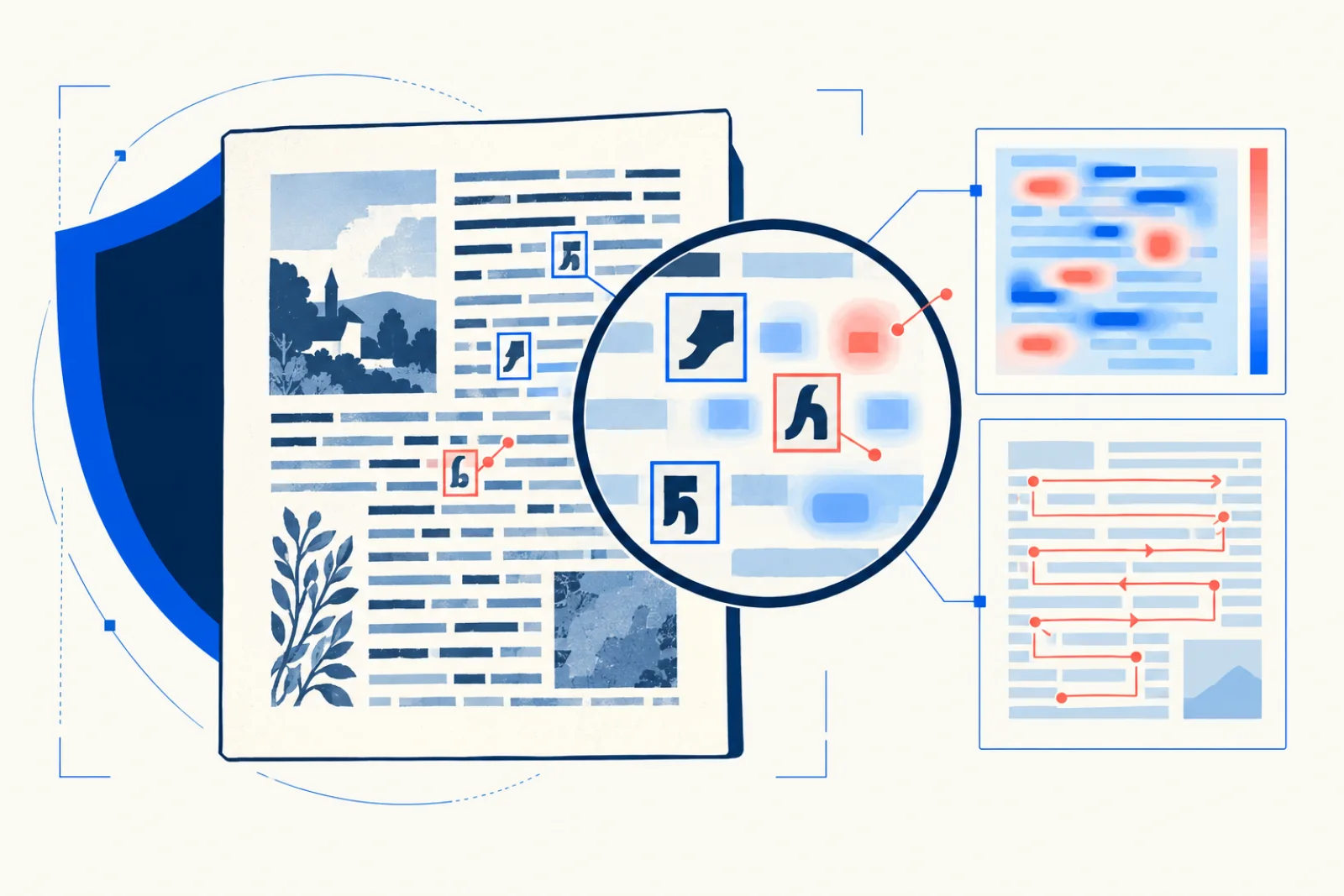
These checks prevent wasted processing and make the final review smaller, faster, and safer.
The OCR guide library connects capture quality, document structure, languages, archival quality control, privacy, and downstream verification across eight focused collections.
Understand the recognition pipeline before choosing a file format or trusting fluent output.
Diagnose the earliest failed stage and test one source change on the same difficult passage.
Choose an output by the structure and verification the next task actually needs.
Decide whether an online upload is appropriate before convenience overrides document risk.
Fix focus, glare, perspective, borders, and scan mode before changing recognition settings.
Preserve columns, headers, fields, coordinates, and explicit blank states when position carries meaning.
Map scripts, directions, names, and language changes before selecting recognition passes.
Keep masters, derivatives, metrics, samples, and correction records explainable over time.
This daily selection opens a different path through tools, practical guides, topic collections, and the standards behind OCR.now. Every public page appears here during each 7-day cycle.
Inspect how recognition, confidence, source review, and current output boundaries are defined.
Work from the original camera file and catch blur, glare, perspective, and JPEG damage.
Choose an output by the structure and verification the next task actually needs.
Diagnose the first damaged stage, change one variable, and compare the same difficult passage again.
Review the standards used to hold thin, repetitive, unsupported, or mismatched content.
Preserve sharp screenshot and scan pixels while checking transparency and panel order.
Decide whether an online upload is appropriate before convenience overrides document risk.
Choose scan resolution from real character detail instead of treating a larger DPI number as proof.
Understand temporary upload handling, minimization, and when online OCR is inappropriate.
Recognition is easier to trust when the page that produced it remains available for comparison.
Names, totals, identifiers, and instructions get explicit review guidance even when the page score is high.
We state when OCR is the wrong tool, when a native text layer is better, and when sensitive work belongs offline.
Know the input limits, output boundaries, and review work before sending a document.
The live tool accepts PDF, JPG, JPEG, PNG, WebP, BMP, and TIFF files up to 20 MB. A PDF request processes up to 25 pages. For larger documents, use the long PDF review workflow to divide and check the work.
You can copy the recognized text or download TXT and JSON. The JSON includes the text and recognition diagnostics, not automatically inferred form fields. Compare choices in the OCR output format guide.
No. The current form accepts one local file upload per request. Download an authorized source first, then use the image upload OCR workflow without placing private document details in a URL.
Not yet. It returns text and diagnostics, but it does not write a hidden text layer into a new PDF. The searchable PDF preparation guide explains what to verify in a compatible PDF editor.
No. Confidence is an engine signal, not proof. Always compare names, dates, totals, identifiers, and instructions with the source. See how to interpret OCR confidence.
Only when you are allowed to process it online and the possible harm is acceptable. Crop unrelated information first, review the upload and data privacy policy, and use an approved offline workflow when online processing is not appropriate.