
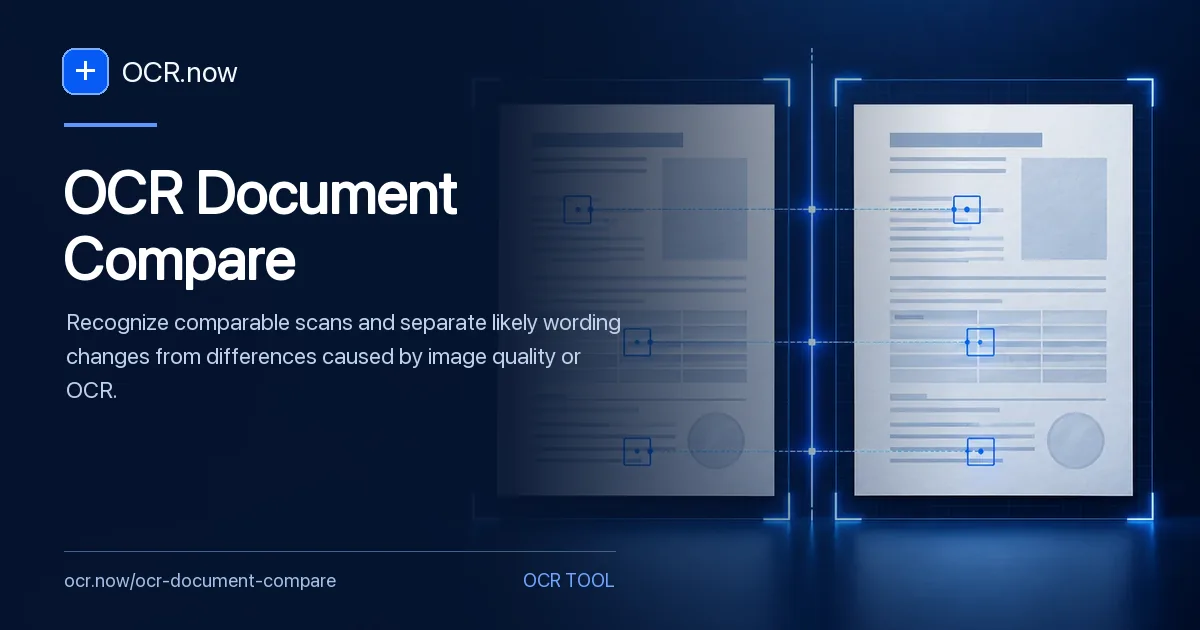
A reliable comparison requires two separately reviewed OCR outputs. The current browser tool processes one source at a time; this page documents the controlled two-pass method rather than presenting OCR differences as proof of revision.
The browser processes one source at a time. The page documents a fair two-pass method so recognition errors are not mislabeled as additions, deletions, or wording changes.
A fair comparison begins with the controls in How to Measure OCR Accuracy with CER and WER and the sampling method in Sample-Based OCR Quality Assurance for Large Collections. Use Long PDF OCR for a longer source or PDF to Text for a scanned PDF.
Hold recognition conditions constant across both versions
Process both versions with identical language and layout settings.
Normalize repeated headers only after confirming they are unchanged.
Inspect every important addition or deletion in both source images.
When image alignment or manual review is required
Compare native digital files when available because their text avoids scan-induced differences. Use a legal document comparison process for consequential agreements, with qualified review and preserved source versions.
Separate real edits from OCR disagreement
| Review point | Likely failure | Validation action |
|---|---|---|
| Source quality | A blur difference looks like an edit | Compare resolution, crop, rotation, and compression first |
| Repeated furniture | Headers overwhelm the meaningful diff | Normalize only after confirming the source text is unchanged |
| Candidate changes | One OCR substitution appears as revision | Inspect every important addition and deletion in both scans |
Two-version comparison scenario
For two scanned contract versions, use matching page ranges and recognition settings. Review party names, section numbers, and dates in each output before diffing. When the diff reports one missing word, open the same source region in both versions before classifying it as a revision.