
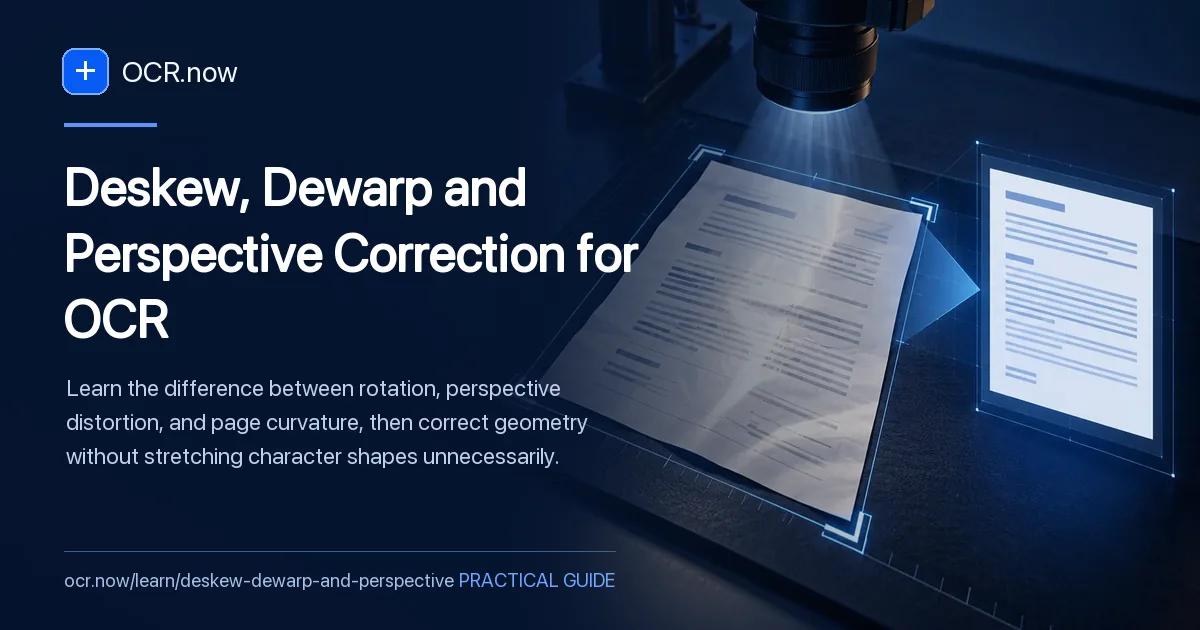
Rotation, perspective, and curvature require different corrections
Rotation, perspective, and curvature are different defects. Use the least invasive correction that makes baselines and character scale consistent.
The goal is to name the geometry defect correctly, apply only the correction it needs, and verify improvement on the same difficult passage without stretching character shapes unnecessarily.
Test the suspected failure with Image to Text. Compare the result with How to Photograph a Document for Accurate OCR and Cropping Borders and Background Noise Before OCR.
Geometry diagnosis
| Pattern | Likely defect | Preferred response |
|---|---|---|
| All lines tilt together | Rotation or skew | Deskew by the shared baseline angle |
| Page is trapezoidal | Perspective | Correct four page corners |
| Lines arc near binding | Curvature | Dewarp or recapture flatter |
| Only one region is soft | Focus plane, not geometry | Retake with the sensor parallel |
Match the correction to the geometry defect
Draw imaginary baselines through text at the top, middle, and bottom. If they share one angle, rotation may be enough. If page edges converge and characters shrink toward one side, use perspective correction. If lines curve near a binding, dewarping or a flatter recapture is required.
After correction, inspect whether character proportions changed and whether the farthest region still contains less detail. Run OCR on the same passage before and after. A square page is not automatically a better recognition source if resampling stretched strokes or the original focus plane remained uneven.
- Diagnose before transforming
- Use the least invasive correction
- Compare identical passages
Diagnose geometry before resampling the page
Diagnose the geometry first
If every baseline tilts by roughly the same angle, use rotation. If the top and bottom edges converge, use a four-corner perspective correction. If lines bend near a book gutter, use dewarping or recapture the page with less curvature.
Correct from page boundaries and baselines
Use the true page rectangle when it is visible. When edges are missing, use several long text baselines rather than a single short heading. Avoid corrections that make one region straight while stretching another.
Inspect character scale after correction
Perspective tools resample pixels. Compare small text in the nearest and farthest regions. If the far region remains visibly weaker, a square-looking result is not an equal-detail result and the page should be recaptured.
Retest recognition on a fixed passage
Run the same difficult paragraph before and after correction. Count substantive character errors, not just visual neatness. Stop when geometry is no longer the dominant failure.
Geometry correction check
- Identify rotation, perspective, or curvature
- Preserve an untouched original
- Correct only the working copy
- Inspect corners and gutter text
- Compare the same OCR sample before and after
Geometry correction can damage evidence
Resampling can soften strokes or distort characters when the wrong correction is applied. Preserve the original and avoid repeated transformations of the working file.